Print Instantly
Open a print-ready calendar page and print from your browser.
Create, customize and print a calendar in seconds. Add personal notes, include public holidays, then print instantly or save your calendar as a PDF.
| Sun | Mon | Tue | Wed | Thu | Fri | Sat |
|---|---|---|---|---|---|---|
26 | 27 | 28 | 29 | 30 | 31 | 1 |
2 | 3 | 4 | 5 | 6 | 7 | 8 |
9 | 10 | 11 | 12 | 13 | 14 | 15 |
16 | 17 | 18 | 19 | 20 | 21 | 22 |
23 | 24 | 25 | 26 | 27 | 28 | 29 |
30 | 31 | 1 | 2 | 3 | 4 | 5 |
Open a print-ready calendar page and print from your browser.
Use the browser print dialog to print now or save a PDF copy.
Change the month, year, paper size, orientation, style, and week start.
Add events and notes such as birthdays, meetings, reminders, or deadlines.
Include holidays for supported countries when planning around important dates.
Choose Sunday or Monday as the first day of the week before printing.
Choose country calendar pages and holiday settings for local planning.
Create, customize, print, and save calendars without registration or payment.
Choose a month or year, customize the layout, add notes or holidays, and use the print-ready page when you need a paper copy or PDF file.
PDF CalendarA useful online calendar should let you move from an idea to a printable page without extra setup. Online Calendar is built for that simple workflow: open the homepage, choose the month and year you need, adjust the calendar settings, and print from your browser. You can also save the print view as a PDF when you want a file to email, archive, or print later. The tool is free to use and does not require registration, so it works well for quick planning tasks where an account would slow you down.
The homepage calendar supports the planning details people usually need before printing. You can switch paper size between Letter and A4, choose portrait or landscape orientation, start the week on Sunday or Monday, and turn holidays on or off. When holidays matter, the country selector helps you work with country-specific calendar settings for local planning.
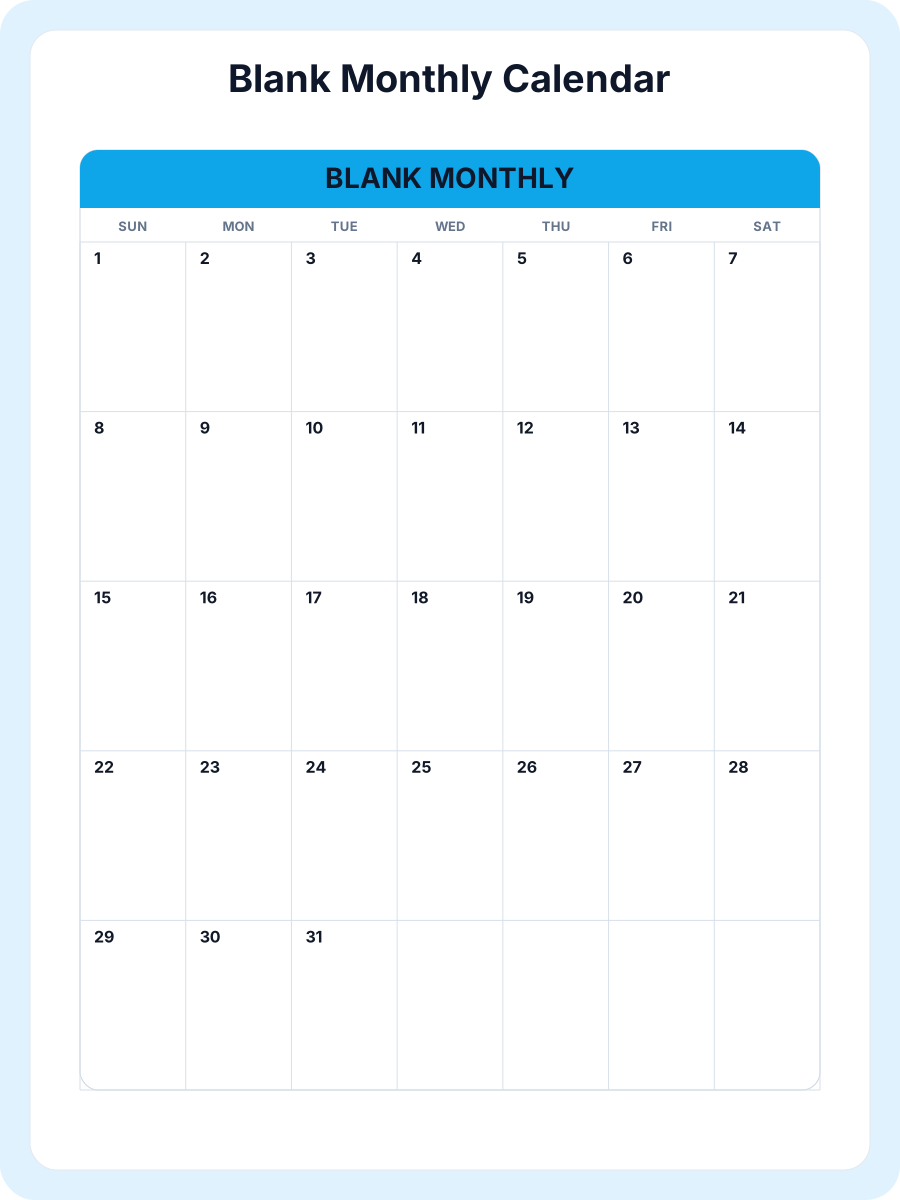
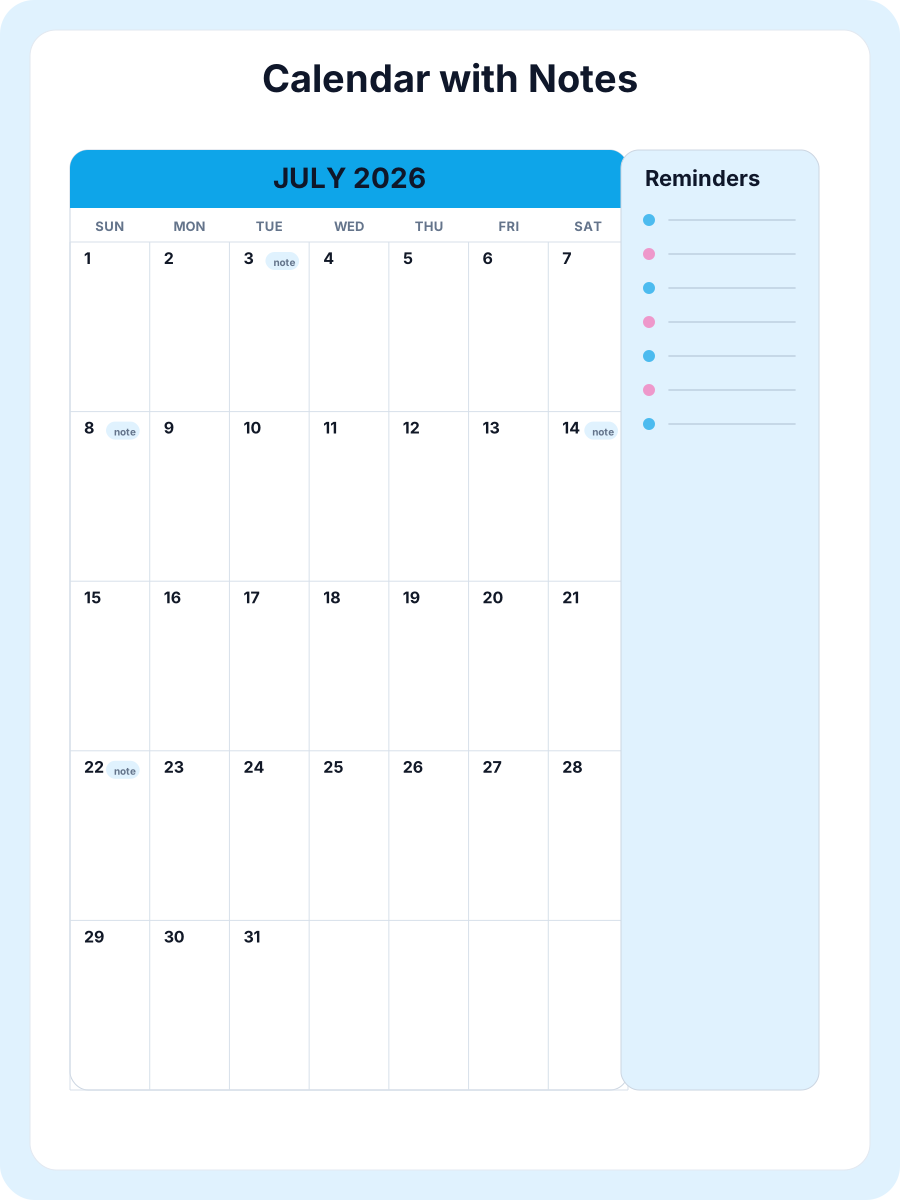
Notes and events make the calendar more practical than a static date grid. You can add personal details such as birthdays, appointments, meetings, reminders, deadlines, school dates, or family plans before printing. If you prefer more writing space, the calendar with notes and blank calendar templates provide layouts designed for handwriting and everyday planning. These options help users who are searching for a calendar with notes, not just a plain monthly calendar.
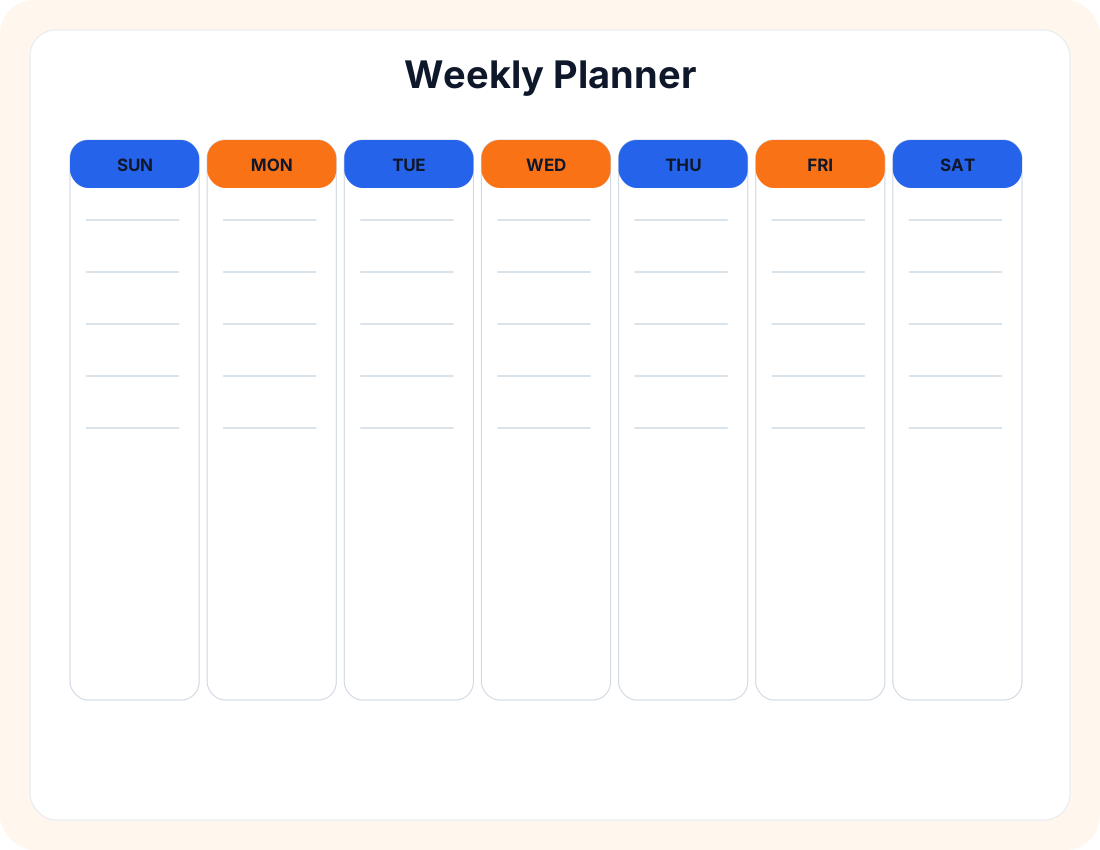
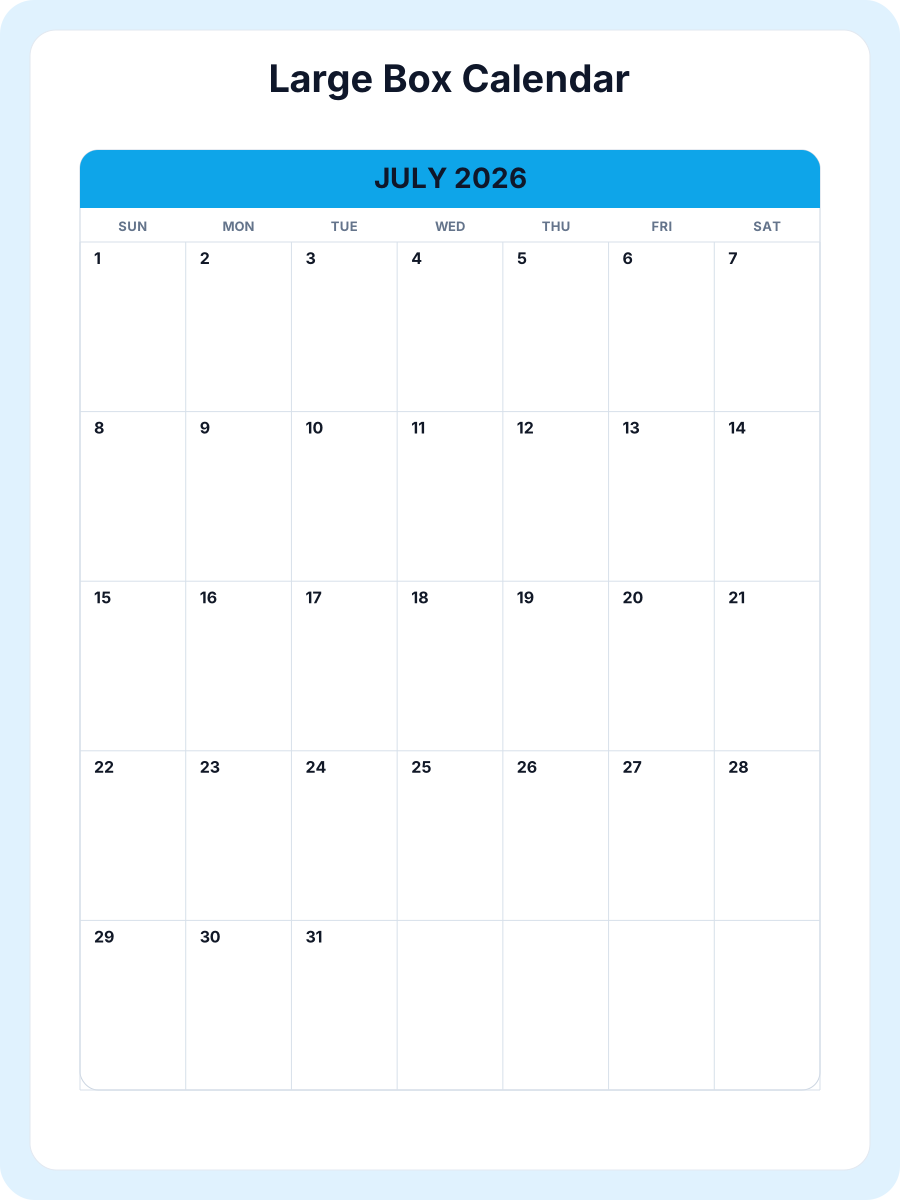
Different planning jobs need different calendar formats. A monthly calendar is best for short-term planning, a year calendar gives a full annual overview, a weekly planner works for routines and schedules, and a holiday calendar helps with public holidays, travel, school breaks, and office closures. The homepage links these formats together so you can start with the free online calendar tool and then move to the printable calendar, monthly calendar, year calendar, blank calendar, or custom calendar that fits your task.
The goal is to keep calendar creation clear and direct. You do not need to install calendar software, learn a complex design tool, or choose from misleading download gates. Create the calendar online, customize the details that matter, add notes if needed, include holidays when useful, and print or save the result as a PDF. That makes the page a practical starting point for users who want a free online calendar as well as users who already know they need a printable calendar, PDF calendar, calendar with notes, or year calendar.
Pick the month and year you want for your monthly or yearly calendar.
Select country holidays, week start, style, and optional events before printing.
Use Letter or A4 paper, then choose portrait or landscape based on your layout.
Open the print-ready page and use your browser print dialog for a clean paper copy.
Save a calendar PDF when you want to email, archive, or reuse the file later.
Choose your settings, open the print page, and confirm paper size, margins, and orientation before printing.
Use A4 or Letter based on your printer and country so calendar edges stay clean.
Portrait fits compact pages. Landscape gives wider boxes for handwriting and notes.
Choose Sunday for familiar layouts or Monday for school, workweek, and international planning.
Use holiday calendars for travel, school breaks, long weekends, and office closures.
Plan lessons, grading windows, conferences, school events, and classroom tasks.
Coordinate appointments, chores, meals, groceries, and weekly home routines.
Track meetings, content schedules, project milestones, and deadline-heavy work.
| Need | Best Calendar | Best For | Link |
|---|---|---|---|
| School planning | Academic Calendar | Semesters, exams, homework | Academic Calendar → |
| Office planning | Work Calendar | Deadlines, meetings, projects | Work Calendar → |
| Family planning | Family Calendar | Chores, activities, appointments | Family Calendar → |
| Meal planning | Meal Planner | Groceries and weekly meals | Meal Planner → |
| Blank layout | Blank Calendar | Handwriting and custom notes | Blank Calendar → |
| Long-term planning | Year Calendar | Annual overview | Year Calendar → |
| Quick monthly print | Monthly Calendar | Simple monthly use | Monthly Calendar → |
| Custom events | Custom Calendar | Events, colors, holidays | Custom Calendar → |
A free online calendar lets you create, customize, print, and save a calendar directly in your browser without installing software or creating an account.
Yes. Choose the month, year, layout, holidays, and other settings, then use the print option to print the calendar from your browser.
Yes. You can save the print-ready calendar as a PDF from your browser print dialog when you need a digital copy.
Yes. You can add personal notes and events, or choose a calendar with notes template when you need extra writing space.
Yes. Turn on holidays in the calendar settings and choose a supported country when you want public holidays included.
Yes. You can choose Sunday or Monday as the first day of the week before printing your calendar.
Yes. You can create, customize, print, and save calendars without a subscription, trial, or hidden download fee.
No. You can use the online calendar, print calendars, and save PDF copies without registration.
Yes. Use the year calendar page when you need a full-year calendar instead of a single monthly calendar.
Yes. Use the calendar with notes template or add events and notes to the editable calendar before printing.
Online Calendar is a free printable calendar maker for quick monthly calendars, year calendars, and practical templates. You can choose any month, switch between Sunday and Monday start, select A4 or Letter paper, and print directly from your browser. The homepage tool is built for fast use, while the template library, year calendar, and custom calendar creator cover more specific planning needs.
The site supports printable calendar PDF workflows, browser printing, country holidays, blank calendar layouts, planner templates, and custom events. Teachers can start with an academic calendar, families can use family calendar pages, and teams can choose a work calendar for meetings, projects, and deadlines.
The goal is simple: make calendar creation free, fast, and easy to understand. Whether you need a 2026 calendar, a 2027 calendar, a weekly planner, a holiday calendar, or a clean custom calendar, Online Calendar helps you get to a printable page without extra software or account setup.